 COME
COMEFollow an existing COME help request
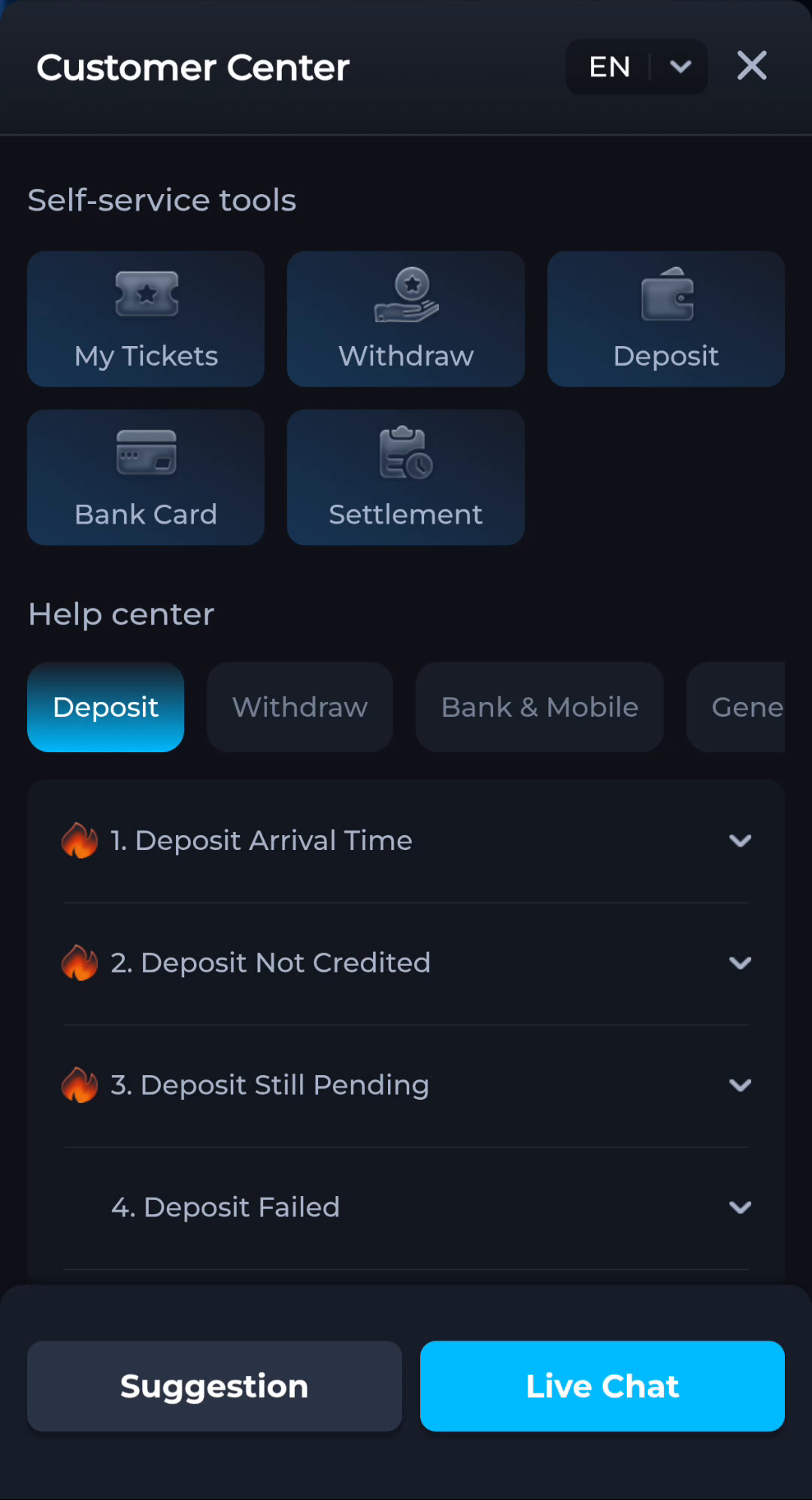
If the current Customer Center provides My Tickets, inspect an existing request before starting another about the same issue.
Find the relevant case
Match the topic, time and any visible reference to the problem you reported. The presence of a My Tickets label does not prove that your earlier form was submitted. Look for the actual case or confirmation in the current interface.
Add useful updates
When the interface permits a reply, state what changed since the last message. Keep the original issue clear instead of mixing a new download question with an unrelated account matter. Avoid promising a resolution from a status label alone.
Keep secrets out
Never include passwords, OTPs or payment PINs in a case update. Redact sensitive screenshot details. Use the same recognised service route rather than following an unsolicited contact who claims to know the ticket.
A useful next step
Continue the relevant request with a concise factual update and retain the reference for your own records.